
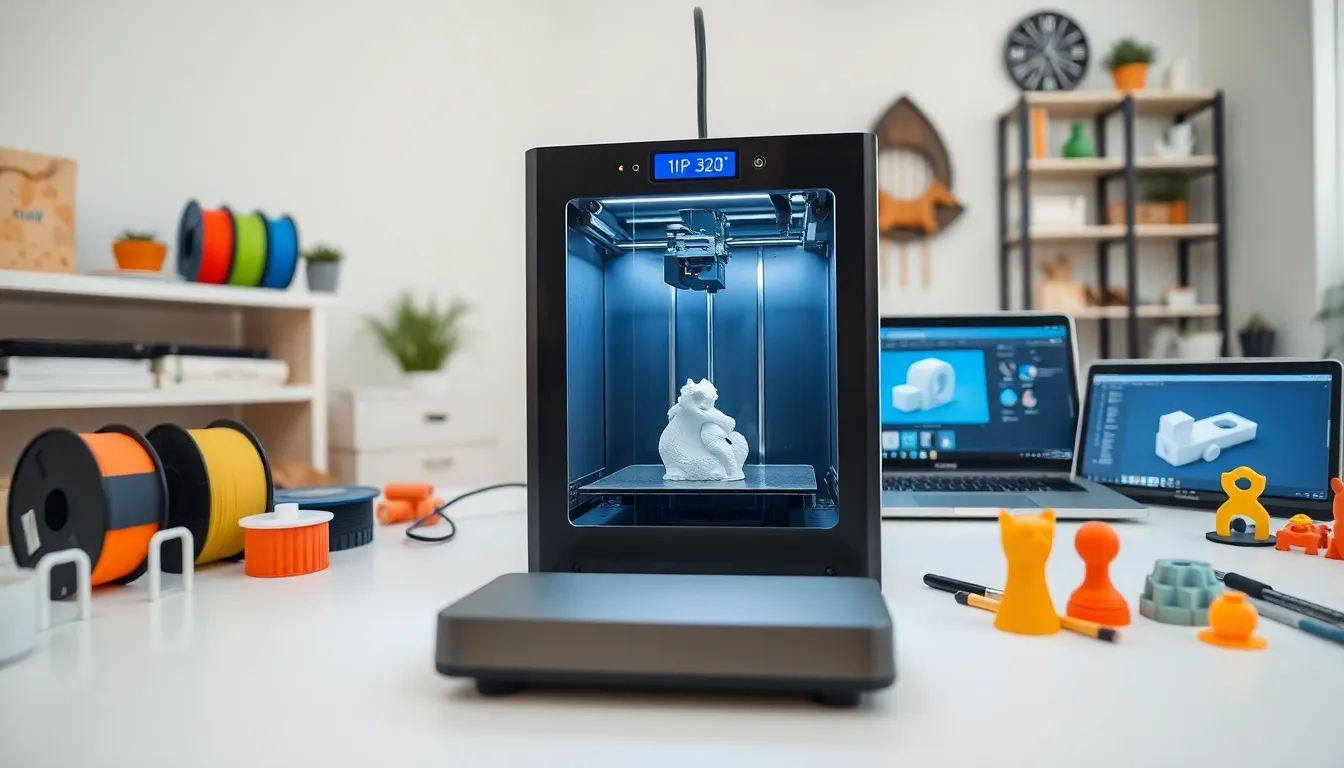
3D printing has changed how we create objects. This technology builds three-dimensional items layer by layer from digital files. What started as an expensive industrial tool now sits on desks in homes, schools, and small businesses worldwide.
The 3D printing market reached $18.33 billion in 2024 and continues to grow rapidly. Manufacturers use it to prototype products in hours instead of weeks. Surgeons print custom implants for patients. Hobbyists create everything from phone cases to cosplay armor.
This guide covers how 3D printing works, the main technologies available, common materials, real-world applications, and how beginners can start printing at home. Whether someone wants to understand the technology or buy their first printer, this article provides the foundation they need.
Table of Contents
ToggleKey Takeaways
- 3D printing builds objects layer by layer from digital files, making it accessible for homes, schools, and businesses worldwide.
- FDM printers offer the best balance of affordability and ease of use for beginners, with quality models available between $200 and $400.
- Common 3D printing materials include PLA for beginners, ABS for durability, PETG for functional parts, and TPU for flexible items.
- Industries from healthcare to aerospace use 3D printing for custom prosthetics, prototypes, and end-use components.
- Getting started requires choosing a reliable printer, learning free slicing software like Cura or PrusaSlicer, and downloading beginner-friendly models from sites like Thingiverse.
- Expect a learning curve—failed prints are normal, but most beginners produce consistent, quality results within a few weeks.
How 3D Printing Works
3D printing, also called additive manufacturing, creates solid objects from digital designs. The process differs from traditional manufacturing, which typically removes material through cutting or drilling. Instead, 3D printing adds material in thin layers until the object is complete.
The process starts with a 3D model. Users can design models using CAD software like Fusion 360, Tinkercad, or Blender. They can also download pre-made designs from repositories like Thingiverse or Printables.
Next, slicing software converts the 3D model into instructions the printer understands. The slicer divides the model into hundreds or thousands of horizontal layers. It generates G-code, which tells the printer exactly where to move and when to deposit material.
The printer then builds the object layer by layer. Each layer bonds to the one below it. Layer heights typically range from 0.1mm to 0.3mm, though this varies by printer and desired quality. Thinner layers produce smoother surfaces but take longer to print.
Print times depend on object size, layer height, and infill percentage. A small figurine might take two hours. A large vase could require 20 hours or more. Most 3D printing happens unattended, users start a print and return when it finishes.
Common Types of 3D Printing Technologies
Several 3D printing technologies exist, each with distinct advantages. The three most common are FDM, SLA, and SLS.
Fused Deposition Modeling (FDM) is the most popular technology for home users. FDM printers heat plastic filament and push it through a nozzle. The nozzle moves across a build plate, depositing material in precise patterns. FDM printers cost between $150 and $1,500 for consumer models. They work well for functional parts, prototypes, and hobby projects.
Stereolithography (SLA) uses ultraviolet light to cure liquid resin. A laser traces each layer, hardening the resin where it touches. SLA produces extremely detailed prints with smooth surfaces. Jewelers, dentists, and miniature painters favor this technology. Entry-level resin printers now cost under $200, though resin and post-processing add expenses.
Selective Laser Sintering (SLS) fuses powdered material using a laser. This technology creates strong parts without support structures. SLS handles complex geometries that other methods struggle with. But, SLS machines cost tens of thousands of dollars, limiting them to industrial applications.
Other technologies include Multi Jet Fusion (MJF), Direct Metal Laser Sintering (DMLS), and PolyJet. Each serves specific industrial needs. For beginners, FDM offers the best balance of affordability, ease of use, and capability.
Popular Materials Used in 3D Printing
3D printing materials range from basic plastics to exotic composites. Material choice affects strength, flexibility, appearance, and cost.
PLA (Polylactic Acid) is the most beginner-friendly filament. Made from corn starch or sugarcane, PLA prints easily and produces minimal odor. It works great for decorative items, prototypes, and low-stress parts. PLA costs around $20 per kilogram.
ABS (Acrylonitrile Butadiene Styrene) offers greater durability and heat resistance than PLA. LEGO bricks use ABS. This material requires a heated bed and enclosed printer to prevent warping. ABS releases fumes during printing, so ventilation matters.
PETG combines the ease of PLA with better strength and flexibility. It resists moisture and chemicals better than both PLA and ABS. PETG has become popular for functional parts and outdoor applications.
TPU produces flexible, rubber-like prints. Phone cases, gaskets, and wearable items often use TPU. Printing TPU requires slower speeds and specific extruder designs.
Resin materials for SLA printers come in standard, tough, flexible, and castable formulations. Dental and jewelry industries use specialized resins. Standard resin costs $30-50 per liter.
Advanced users explore carbon fiber composites, wood-filled filaments, and metal-infused materials. These specialty filaments add unique properties and appearances to printed objects.
Practical Applications Across Industries
3D printing serves industries from healthcare to aerospace. Each sector leverages the technology differently.
Healthcare has embraced 3D printing for patient-specific solutions. Surgeons use printed models to plan complex procedures. Custom prosthetics now cost a fraction of traditional versions. Dental labs print crowns, aligners, and surgical guides daily. Researchers are even developing bioprinting techniques to create living tissue.
Aerospace and automotive companies prototype parts and produce end-use components. Boeing uses over 60,000 3D printed parts across its aircraft. Formula 1 teams print aerodynamic components for wind tunnel testing. The technology reduces weight and consolidates multiple parts into single pieces.
Architecture and construction firms print scale models for client presentations. Some companies now print entire building structures using concrete extrusion. This approach could address housing shortages in developing regions.
Education institutions teach students design thinking through 3D printing. Students see their ideas become physical objects within hours. This fast feedback loop encourages experimentation and iteration.
Consumer products companies use 3D printing for rapid prototyping. A product designer can test ten versions of a handle grip in a week. This speed reduces development time from months to weeks.
The technology continues expanding into new areas. Restaurants experiment with 3D printed food. Fashion designers create intricate jewelry and accessories. Artists produce sculptures impossible to make by hand.
Getting Started With 3D Printing at Home
Starting with 3D printing doesn’t require a massive investment or technical expertise. A few steps can get beginners printing within days.
Choose the right printer. For first-time users, an FDM printer between $200 and $400 offers the best experience. Models like the Bambu Lab A1 Mini, Creality Ender-3 V3, and Prusa Mini+ receive consistent praise from the community. These printers balance quality, reliability, and support.
Set up a workspace. 3D printers need a stable, level surface. Temperature fluctuations can affect print quality, so avoid drafty locations. Keep filament dry, moisture degrades plastic and causes printing issues. Many users store filament in sealed containers with desiccant.
Learn the software. Start with free slicing programs like PrusaSlicer, Cura, or Bambu Studio. These applications convert 3D models into printable files. Default settings work for most prints. Users can experiment with settings as they gain experience.
Download starter models. Sites like Printables.com and Thingiverse host millions of free designs. Begin with calibration prints and simple objects. These first prints teach how the printer behaves before tackling complex projects.
Join the community. Reddit’s r/3Dprinting, Facebook groups, and Discord servers offer help for stuck beginners. Most problems someone encounters have been solved before. The 3D printing community generally welcomes newcomers and shares knowledge freely.
Expect a learning curve. First prints rarely come out perfect. Failed prints happen to everyone. Each failure teaches something about settings, materials, or design. Within a few weeks, most beginners produce consistent, quality prints.


