
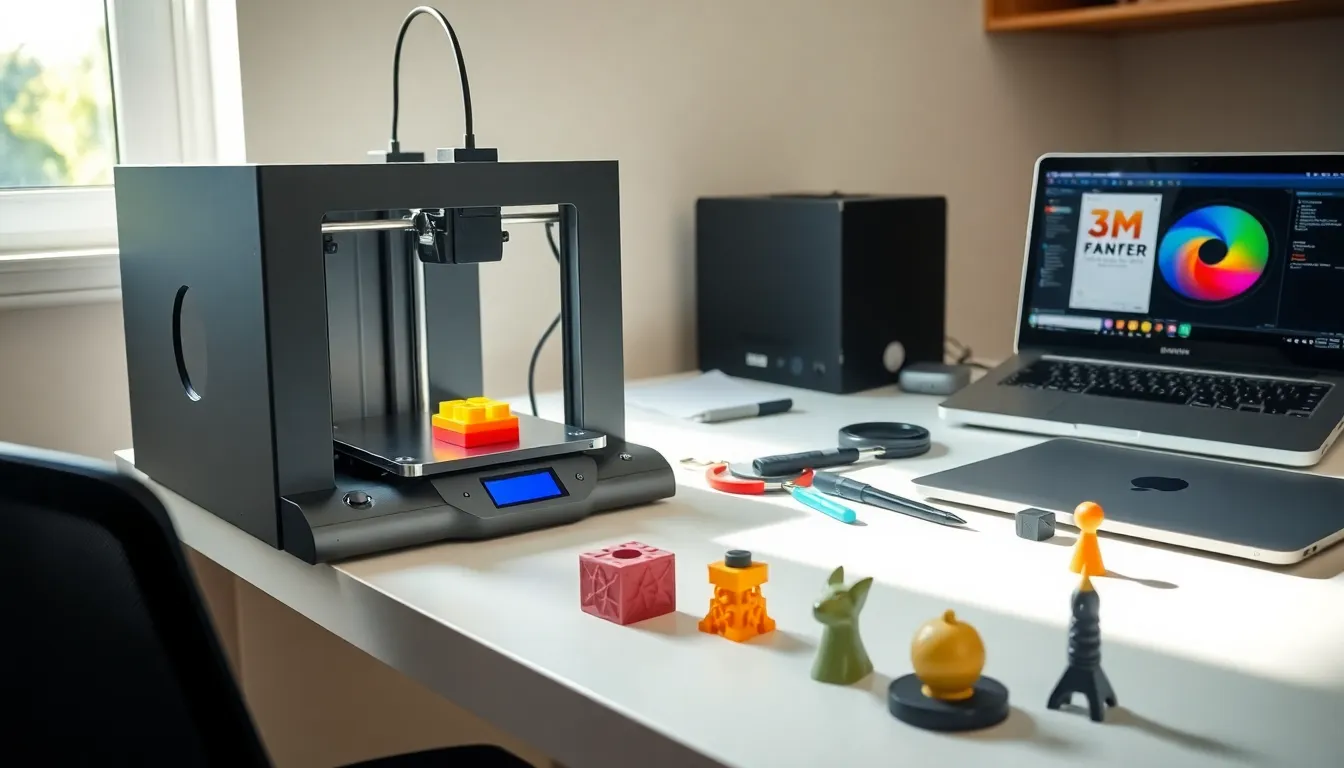
3D printing for beginners can feel overwhelming at first glance. The technology transforms digital designs into physical objects layer by layer. This process has moved from industrial factories into home workshops and kitchen tables worldwide. Whether someone wants to create custom phone cases, replacement parts, or artistic sculptures, 3D printing offers endless possibilities. This guide breaks down everything a newcomer needs to know. It covers the basic technology, printer types, required materials, and practical steps to complete that exciting first print. By the end, readers will have a clear path from curious observer to confident creator.
Table of Contents
ToggleKey Takeaways
- 3D printing for beginners starts with choosing between FDM printers (easier, more forgiving) or resin printers (finer details, more post-processing).
- PLA filament is the best starting material because it prints at lower temperatures, resists warping, and produces minimal odor.
- Proper bed leveling is the most critical step—poor leveling causes more failed prints than any other issue.
- Use free slicing software like Cura or PrusaSlicer to convert 3D models into printer-ready instructions.
- Start with simple test prints like calibration cubes before attempting complex projects to identify setup issues early.
- Avoid common beginner mistakes by calibrating your printer, using quality filament, and keeping print speeds conservative (40-60mm/s).
What Is 3D Printing and How Does It Work
3D printing builds three-dimensional objects from digital files. The process adds material layer by layer until the final shape emerges. This differs from traditional manufacturing, which often cuts away material from larger blocks.
The journey starts with a 3D model. Users can download existing designs from websites like Thingiverse or create their own using software such as Tinkercad or Fusion 360. The model file then goes through a slicer program. This software converts the 3D design into instructions the printer understands. These instructions tell the machine exactly where to deposit material on each layer.
Most home printers use a method called Fused Deposition Modeling (FDM). The printer heats plastic filament until it melts. A moving nozzle deposits thin streams of this melted plastic onto a build plate. The material cools and hardens almost instantly. The nozzle moves across the build plate, creating one horizontal layer at a time. Once a layer finishes, the print head rises slightly and starts the next layer on top.
Another popular method is resin printing, also called SLA (Stereolithography). This approach uses liquid resin that hardens when exposed to UV light. A laser or LCD screen projects light patterns onto the resin, curing it into solid form. Resin 3D printing produces smoother surfaces and finer details than FDM, but it requires more post-processing and safety precautions.
Types of 3D Printers for Home Use
Beginners typically choose between FDM and resin printers. Each type serves different purposes and comes with distinct advantages.
FDM Printers
FDM printers remain the most popular choice for 3D printing beginners. They use plastic filament that comes on spools, making material handling simple and clean. Popular models like the Creality Ender 3 or Bambu Lab A1 Mini offer affordable entry points between $200 and $400.
These printers handle functional parts, prototypes, and larger objects well. The printed results show visible layer lines, but post-processing can smooth them. FDM printing works best for mechanical parts, toys, household items, and decorative pieces that don’t require ultra-fine detail.
Resin Printers
Resin printers excel at creating highly detailed miniatures, jewelry, and dental models. Brands like Elegoo and Anycubic offer entry-level resin printers starting around $150. The Elegoo Mars series has become particularly popular among hobbyists.
But, resin printing requires ventilation due to chemical fumes. Users must also wear gloves when handling uncured resin. Printed objects need washing in isopropyl alcohol and additional UV curing after printing. These extra steps add time and cost but deliver superior surface quality.
Which Should Beginners Choose?
For most people starting with 3D printing, FDM printers offer the better learning experience. They’re more forgiving, require less cleanup, and produce usable objects quickly. Those specifically interested in miniatures or jewelry might consider starting with resin instead.
Essential Equipment and Materials You Need
Beyond the printer itself, several items make 3D printing smoother and safer.
Filament or Resin
FDM printers use thermoplastic filament. PLA (Polylactic Acid) works best for beginners. It prints at lower temperatures, doesn’t warp easily, and produces minimal odor. A 1kg spool costs between $15 and $25 and can produce numerous prints.
ABS plastic offers greater durability but requires higher temperatures and releases stronger fumes. PETG provides a middle ground with good strength and easier printing than ABS.
For resin printers, standard resins cost about $25-40 per liter. Water-washable resins simplify cleanup, making them popular among beginners trying resin 3D printing.
Tools and Accessories
A basic toolkit should include:
- Scraper or spatula to remove prints from the build plate
- Flush cutters to trim support material
- Needle-nose pliers for removing supports in tight spaces
- Sandpaper (various grits) for smoothing surfaces
- Isopropyl alcohol for cleaning (especially for resin)
- Gloves and safety glasses for resin handling
Software
Every 3D printing setup needs slicing software. Cura remains the most popular free option. PrusaSlicer and Bambu Studio also offer excellent functionality. These programs prepare print files and let users adjust settings like layer height, print speed, and support structures.
Your First 3D Print: Step-by-Step Process
Starting that first 3D print feels exciting. Following a clear process helps ensure success.
Step 1: Set Up the Printer
Assemble the printer according to manufacturer instructions. Level the build plate carefully, this step matters more than almost anything else. An uneven bed causes prints to detach or warp. Most printers include a leveling guide or automatic leveling feature.
Step 2: Load the Filament
Heat the nozzle to the filament’s recommended temperature. PLA typically prints at 190-220°C. Feed the filament through the extruder until melted plastic flows from the nozzle. This confirms proper loading.
Step 3: Choose a Test Model
Don’t start with something complex. A calibration cube or simple keychain makes an ideal first project. These small prints finish quickly and reveal any setup issues.
Step 4: Slice the Model
Open the STL file in slicing software. For first prints, use default settings or profiles designed for beginners. The slicer will estimate print time and material usage.
Step 5: Start Printing
Transfer the sliced file to the printer via SD card, USB, or wireless connection. Watch the first few layers closely. The filament should stick firmly to the bed and form clean lines.
Step 6: Remove and Finish
Once printing completes, let the bed cool before removing the object. Use a scraper gently if needed. Remove any support material with pliers or cutters. Sand rough edges if desired.
Common Beginner Mistakes and How to Avoid Them
New users make predictable errors. Knowing them beforehand saves frustration.
Poor Bed Leveling
This causes more failed prints than any other issue. If the nozzle sits too far from the bed, filament won’t stick. Too close, and it blocks extrusion or scratches the surface. Check leveling before each print session until it becomes second nature.
Wrong Temperature Settings
Every filament brand prints best at specific temperatures. Check the label on the spool and adjust accordingly. Signs of wrong temperature include stringing (thin wisps between parts) or poor layer adhesion.
Skipping Calibration
Many beginners rush past calibration steps. Flow rate, e-steps, and retraction settings all affect quality. Spending an hour calibrating prevents dozens of failed prints later.
Using Low-Quality Filament
Cheap filament often has inconsistent diameter or moisture content. These variations cause jams and poor prints. Stick to reputable brands until gaining experience.
Printing Too Fast
Speed tempts everyone. But faster prints sacrifice quality and increase failure rates. Beginners should keep speeds conservative (40-60mm/s for FDM) until they understand how adjustments affect results.
Ignoring Support Structures
Overhangs beyond 45 degrees need support material. Without it, drooping or complete failures occur. Let the slicer add supports automatically for models with overhangs or bridges.


