
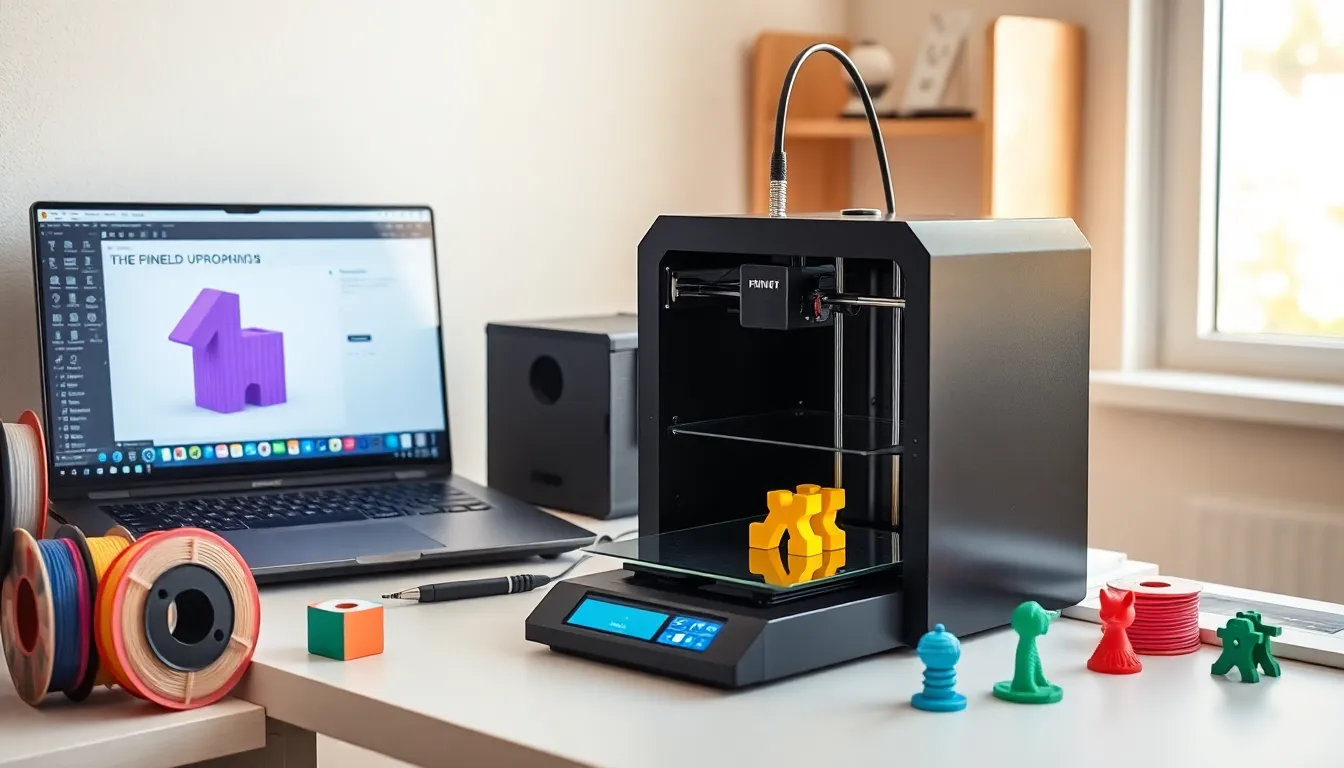
Learning how to 3D printing works opens doors to creating custom objects at home. This technology transforms digital designs into physical parts layer by layer. Hobbyists, engineers, and artists use 3D printing to prototype ideas, repair broken items, and build unique creations.
Getting started feels overwhelming at first. Printers, software, filaments, and file formats all demand attention. But here’s the good news: the basics are simpler than they appear. This guide breaks down each step clearly. Readers will learn to choose a printer, prepare files, and run a successful first print. By the end, anyone can move from curious observer to confident maker.
Table of Contents
ToggleKey Takeaways
- Learning how to 3D printing works starts with understanding FDM and resin technologies, which build objects layer by layer from digital designs.
- Beginners should choose a 3D printer based on budget, print volume, ease of use, and community support—popular options include the Creality Ender 3 and Bambu Lab A1 Mini.
- Free slicer software like PrusaSlicer or Cura converts 3D models into printable G-code instructions with adjustable settings for layer height, infill, and speed.
- A successful first print requires proper bed leveling, clean surfaces, and starting with simple calibration models before attempting complex designs.
- Common 3D printing issues like warping, stringing, and poor adhesion can be fixed by adjusting temperature, bed leveling, and retraction settings.
- Websites like Thingiverse and Printables offer millions of free downloadable models, so beginners can start printing without designing from scratch.
Understanding 3D Printing Technology
3D printing creates solid objects from digital files. The printer reads a design and deposits material layer by layer until the object takes shape. This process is called additive manufacturing because it adds material rather than cutting it away.
Most consumer 3D printers use a method called Fused Deposition Modeling (FDM). An FDM printer heats plastic filament and pushes it through a nozzle. The nozzle moves along programmed paths, laying down thin lines of melted plastic. Each layer bonds to the one below. After hundreds or thousands of layers, a complete object emerges.
Another popular method is resin printing, or Stereolithography (SLA). These printers use UV light to cure liquid resin into hardened layers. Resin printers produce finer details than FDM machines, making them ideal for jewelry, miniatures, and dental models. But, they require more cleanup and safety precautions.
3D printing offers several advantages over traditional manufacturing:
- Customization: Users modify designs freely before printing
- Low startup costs: No molds or tooling required
- Rapid prototyping: Test ideas in hours instead of weeks
- On-demand production: Print parts as needed without inventory
Understanding how 3D printing works helps beginners make smarter choices about equipment and projects. The technology continues to improve each year, with faster speeds, better materials, and lower prices making it accessible to everyone.
Choosing Your First 3D Printer
Selecting the right 3D printer shapes the entire learning experience. Beginners should consider four key factors: budget, print volume, ease of use, and community support.
Budget determines the starting point. Entry-level FDM printers like the Creality Ender 3 series cost between $200 and $300. These machines deliver solid print quality and teach fundamental skills. Mid-range options from $400 to $800 add features like auto-leveling, enclosed chambers, and dual extruders. Premium printers above $1,000 offer industrial-grade reliability.
Print volume refers to the maximum size of objects the printer can create. Most beginner printers offer build volumes around 220 x 220 x 250 mm. That’s enough space for phone cases, figurines, and household items. Larger projects require bigger machines or splitting designs into parts.
Ease of use matters for new users. Look for printers with automatic bed leveling, touchscreen interfaces, and clear documentation. Some printers arrive pre-assembled. Others require hours of setup. Beginners often prefer partially assembled machines that balance learning with convenience.
Community support saves countless hours of troubleshooting. Popular printers have active forums, YouTube tutorials, and pre-configured settings. When problems arise, and they will, a strong community provides solutions quickly.
Top recommendations for beginners in 2024 include:
| Printer | Price Range | Best For |
|---|---|---|
| Creality Ender 3 V3 SE | $200-250 | Budget entry point |
| Bambu Lab A1 Mini | $300-400 | Ease of use |
| Prusa MK4 | $800-1,000 | Reliability and support |
First-time buyers should avoid the cheapest unknown brands. Saving $50 upfront often costs hours in frustration later.
Essential Software and File Preparation
3D printing requires two types of software: design programs and slicers. Each plays a distinct role in turning ideas into printed objects.
Design software creates or modifies 3D models. Beginners can start with free options:
- TinkerCAD: Browser-based, perfect for simple projects
- Fusion 360: Professional-grade CAD with a free personal license
- Blender: Open-source 3D modeling for artistic designs
Many users skip designing from scratch. Websites like Thingiverse, Printables, and MyMiniFactory host millions of free downloadable models. Search for almost any object, download the STL file, and move to the next step.
Slicer software converts 3D models into printer instructions. The slicer analyzes the model and generates a file called G-code. This file tells the printer exactly where to move, how fast to travel, and when to extrude filament.
Popular free slicers include:
- PrusaSlicer: Excellent default settings and advanced features
- Cura: Wide printer compatibility and active development
- OrcaSlicer: Great for Bambu Lab and other modern printers
Learning how to 3D printing settings affect results takes time. Key parameters include:
- Layer height: Thinner layers produce smoother surfaces but take longer
- Infill percentage: Higher infill creates stronger parts
- Print speed: Slower speeds improve quality for detailed models
- Support structures: Required for overhanging sections
Start with the slicer’s default settings. They work well for most prints. Adjust one variable at a time when troubleshooting. This approach reveals which settings cause specific issues.
Running Your First Print Successfully
The first print sets expectations for everything that follows. A successful start builds confidence. A failed attempt teaches important lessons. Either outcome moves beginners forward.
Preparing the Printer
Before printing, complete these steps:
- Level the bed: The nozzle must maintain consistent distance from the print surface. Most printers include a leveling procedure in their menu. Run it twice for accuracy.
- Load filament: Insert the filament into the extruder. Heat the nozzle to the recommended temperature (usually 200-220°C for PLA). Push filament until it flows smoothly.
- Clean the bed: Remove dust, oils, and old adhesive. Isopropyl alcohol works well. A clean surface ensures proper adhesion.
- Apply adhesive if needed: Some beds require glue stick or hairspray. Others have textured surfaces that grip PLA directly.
Choosing the First Model
Download a calibration cube or simple test print. These models print quickly and reveal common issues. Avoid complex designs for the first attempt. Success matters more than ambition at this stage.
During the Print
Watch the first few layers closely. The first layer determines whether the print succeeds. Look for these signs:
- Lines should squish slightly flat, not round
- Material should stick firmly without curling
- No gaps should appear between lines
If problems appear, stop the print and adjust. Continuing wastes time and filament.
Troubleshooting Common Issues
Warping: Corners lift from the bed. Increase bed temperature or use adhesive.
Stringing: Thin threads appear between parts. Reduce nozzle temperature or increase retraction.
Poor adhesion: First layer doesn’t stick. Level the bed again and clean the surface.
3D printing involves trial and error. Even experienced users encounter failed prints. The key is learning from each attempt.


