
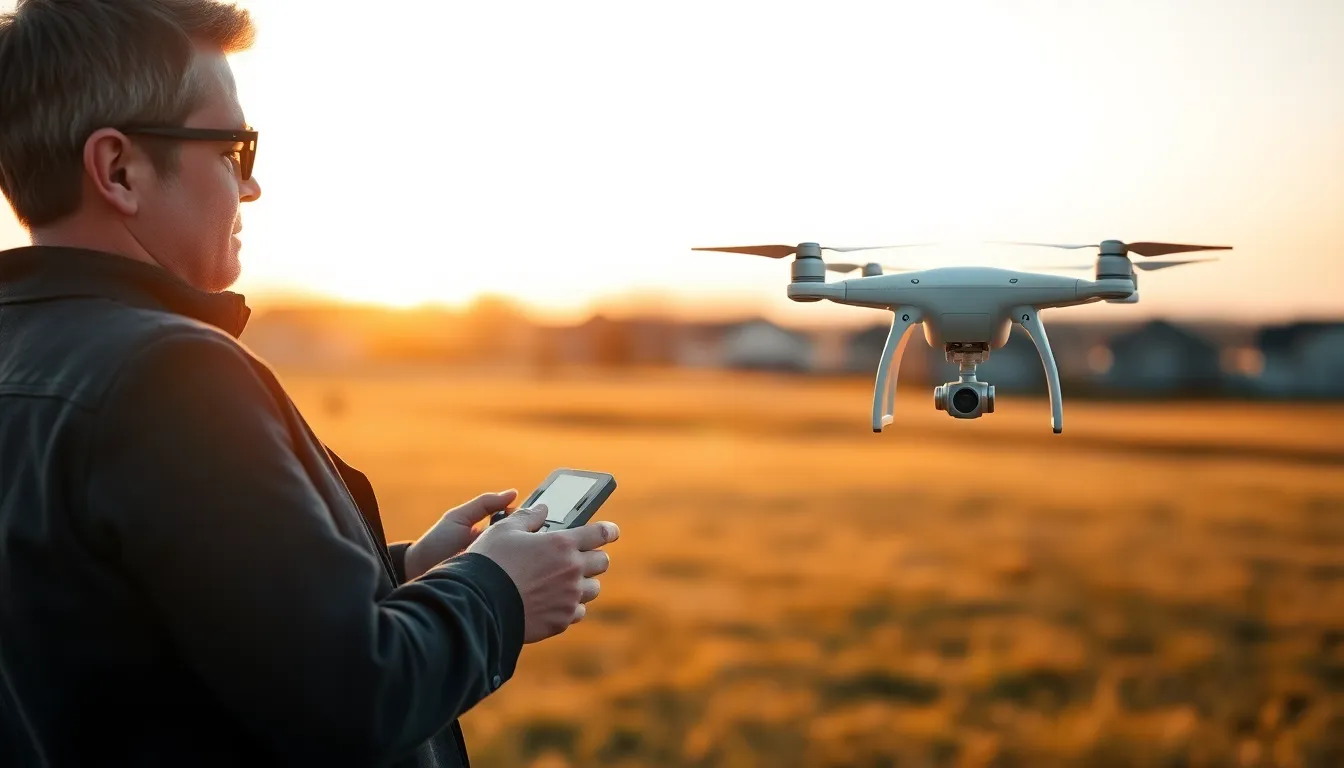
Flying a drone opens up exciting possibilities for photography, videography, and pure recreation. But getting started requires more than just unboxing your quadcopter and hitting the throttle. These drone tips will help beginners avoid costly mistakes and help experienced pilots sharpen their skills.
Whether someone just bought their first entry-level drone or they’re upgrading to a professional-grade model, understanding the fundamentals makes all the difference. From legal requirements to flight techniques, this guide covers what every drone pilot needs to know before takeoff.
Table of Contents
ToggleKey Takeaways
- Register your drone with the FAA and always fly below 400 feet to stay compliant with U.S. regulations.
- Follow a pre-flight checklist—inspect batteries, propellers, and firmware—to prevent costly mistakes and crashes.
- Practice basic flight controls in open spaces, focusing on smooth, small stick inputs to avoid jerky movements.
- Shoot during golden hour and move slowly for cinematic aerial footage that looks professional.
- Maintain your drone by storing batteries at 50% charge and cleaning motors regularly to extend its lifespan.
- Use beginner flight modes and apps like B4UFLY to build confidence and avoid airspace violations.
Understanding Drone Regulations and Safety
Before a drone ever leaves the ground, pilots must understand the rules that govern airspace. In the United States, the Federal Aviation Administration (FAA) requires recreational drone pilots to register aircraft weighing more than 0.55 pounds. Commercial operators need a Part 107 certification.
Here are the key drone tips for staying legal:
- Register the drone with the FAA and display the registration number on the aircraft
- Fly below 400 feet in uncontrolled airspace
- Keep the drone within visual line of sight at all times
- Never fly near airports or other restricted areas without authorization
- Avoid flying over crowds or moving vehicles
Safety goes beyond legal compliance. Smart pilots check weather conditions before every flight. Wind speeds above 20 mph can make smaller drones difficult to control. Rain damages electronics. And direct sunlight can overheat batteries.
The B4UFLY app from the FAA shows airspace restrictions in real time. It’s a simple tool that prevents accidental violations and keeps everyone safe.
Pre-Flight Checklist Every Pilot Should Follow
Professional pilots in manned aircraft use checklists for good reason, they prevent mistakes. Drone pilots should adopt the same discipline. A quick pre-flight routine takes five minutes and can save a $1,000 aircraft.
Start with the battery. Check the charge level on both the drone and the controller. Most drone tips experts recommend flying with at least 80% charge for the first flight of the day. Inspect the battery housing for swelling or damage, which indicates a failing cell.
Next, examine the propellers. Look for cracks, chips, or warping. Spin each propeller to confirm it moves freely without wobbling. Damaged props create vibrations that affect video quality and strain motors.
The gimbal and camera need attention too. Remove the gimbal lock or cover. Power on the drone and verify the gimbal calibrates properly. A stuck gimbal means shaky footage, or worse, a mid-flight failure.
Finally, check the firmware. Manufacturers push updates regularly to fix bugs and improve performance. Flying on outdated software can cause unexpected behavior. Update both the drone and controller before heading to the field.
A simple checklist:
- Battery charged and inspected
- Propellers secure and undamaged
- Gimbal unlocked and calibrated
- Firmware current
- SD card inserted with available space
- GPS signal acquired
Mastering Basic Flight Controls
Learning to fly a drone feels awkward at first. The controls become intuitive with practice, but beginners should understand the basics before attempting anything ambitious.
Most drones use a standard control layout. The left stick controls altitude (up/down) and rotation (left/right). The right stick controls direction, pushing forward moves the drone forward, pushing right moves it right. This layout is called Mode 2 and is standard in North America.
New pilots should practice these drone tips in an open field away from obstacles:
- Hover in place for 30 seconds. This builds muscle memory for small corrections.
- Fly a square pattern at low altitude. This teaches coordinated stick movements.
- Practice rotating while hovering. Orientation gets confusing when the drone faces the pilot.
- Land precisely on a target. Controlled landings protect the drone and look professional.
One common mistake? Over-correcting. New pilots tend to push sticks too far, then overcorrect in the opposite direction. The result is jerky, unstable flight. Smooth, small inputs produce better results.
Most modern drones include beginner modes that limit speed and altitude. These training wheels help new pilots build confidence without risking a crash. There’s no shame in using them.
Tips for Capturing Better Aerial Footage
Owning a drone with a 4K camera doesn’t automatically produce cinematic footage. Great aerial videography requires planning and technique.
The golden hour, just after sunrise and before sunset, offers the best natural light. Harsh midday sun creates ugly shadows and blown-out highlights. Overcast days work well too, providing soft, even lighting.
Camera settings matter. Shoot in manual mode when possible. A lower shutter speed (double the frame rate) creates natural motion blur. ND filters reduce light and allow for slower shutter speeds in bright conditions.
These drone tips improve footage quality immediately:
- Move slowly. Fast movements look amateur. Smooth, deliberate motions look professional.
- Use the rule of thirds. Place subjects off-center for more interesting compositions.
- Reveal your subject. Start behind an obstacle, then fly over or around it to reveal the main subject.
- Fly sideways or backward. These movements create more dynamic shots than flying straight forward.
- Combine movements. Rising while moving forward or rotating while retreating adds visual interest.
Editing also plays a role. Color grading, speed adjustments, and thoughtful cuts transform raw clips into polished videos. But no amount of editing fixes shaky, poorly composed footage. Get it right in the air first.
Maintaining Your Drone for Longevity
Drones aren’t cheap. Proper maintenance extends their lifespan and prevents mid-flight failures.
Batteries require the most attention. Lithium polymer (LiPo) batteries degrade when stored fully charged or fully depleted. For long-term storage, discharge batteries to about 50%. Store them in a cool, dry place away from flammable materials. Most manufacturers recommend replacing batteries after 200-300 charge cycles.
Motors collect dust and debris over flights. Compressed air clears dirt from motor housings. Pilots who fly near sand or water should clean motors more frequently. A stuck motor means an uncontrolled crash.
The gimbal is delicate. Always use the gimbal cover during transport. Avoid touching the gimbal arms or camera during flight prep. If the gimbal starts drifting, recalibration through the app usually fixes the issue.
Firmware updates sometimes introduce bugs. Read release notes before updating. Some pilots wait a week after major updates to let others discover problems first. But don’t skip updates entirely, security patches and flight improvements are worth the occasional hiccup.
These drone tips for storage protect the investment:
- Use a hard case or padded bag for transport
- Remove propellers to prevent bending
- Keep the drone away from extreme temperatures
- Clean the camera lens with a microfiber cloth


