
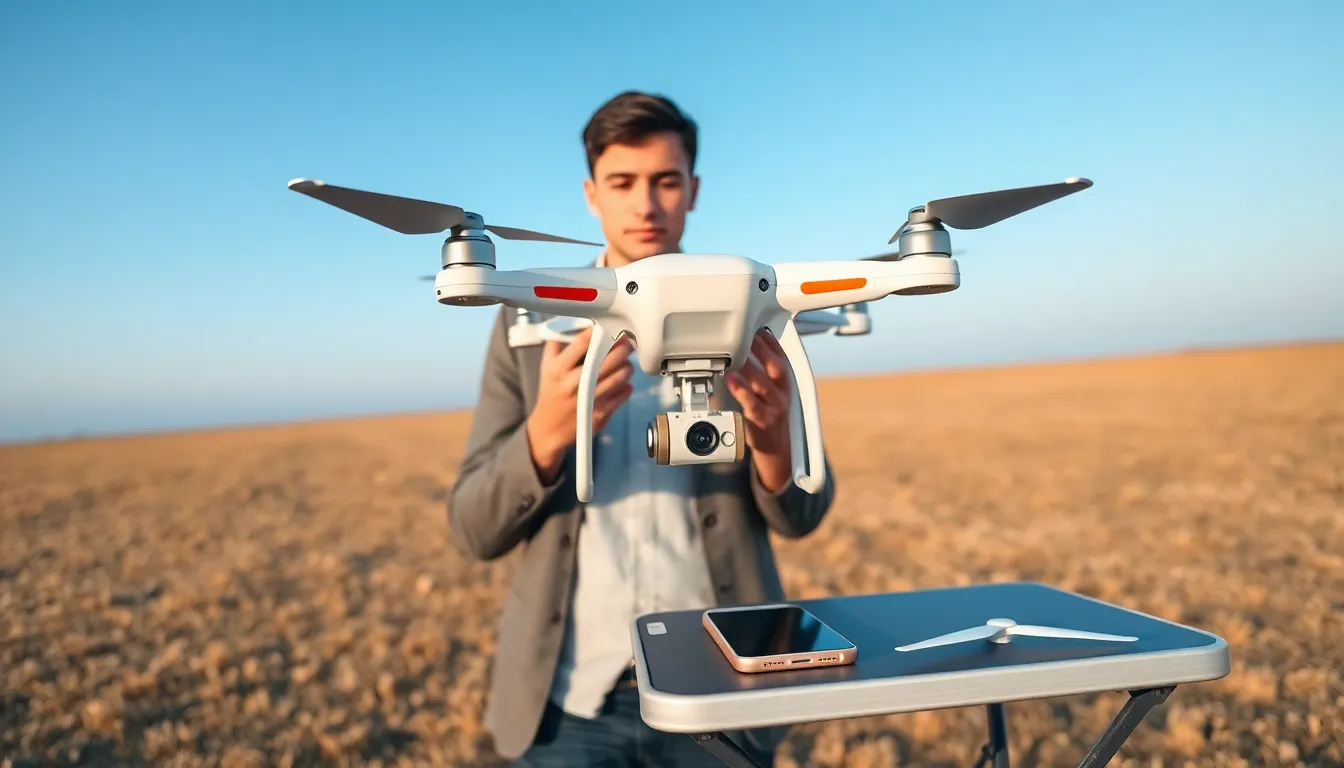
Learning how to fly drones opens up exciting possibilities for aerial photography, racing, or just pure fun. More than 800,000 drones are registered with the FAA in the United States alone, and that number keeps climbing. Whether someone wants to capture stunning landscape shots or simply enjoy a new hobby, understanding drone flight basics is the essential first step.
This guide covers everything beginners need to know about flying drones. From understanding the core components to mastering flight controls and staying legal, each section breaks down the learning process into clear, actionable steps. By the end, new pilots will have the knowledge to take their first confident flight.
Table of Contents
ToggleKey Takeaways
- Start with an inexpensive beginner drone ($50–$150) to develop real piloting skills before upgrading to advanced models.
- Master the two-joystick control scheme: left stick controls altitude and rotation, while the right stick handles direction and lateral movement.
- Always complete a pre-flight checklist—check batteries, inspect propellers, and confirm GPS signal before every flight.
- Register drones weighing 250 grams or more with the FAA, and use the B4UFLY app to check airspace restrictions before flying.
- Practice in open fields with at least 50 feet of clearance from obstacles, and avoid flying in wind speeds above 15 mph as a beginner.
- Learn how to fly drones safely by keeping your aircraft within visual line of sight and knowing emergency procedures like return-to-home activation.
Understanding Drone Basics and Components
Every drone shares a common set of parts that work together to achieve flight. Before someone learns how to fly drones, they should understand what makes these machines tick.
The Frame holds everything together. Most consumer drones use a quadcopter design with four arms extending from a central body. This configuration offers stability and easy maneuverability.
Motors and Propellers generate lift. Quadcopters have four motors, each spinning a propeller. Two spin clockwise and two spin counterclockwise, this balance prevents the drone from rotating uncontrollably.
The Flight Controller acts as the drone’s brain. This small computer processes input from the pilot’s remote and adjusts motor speeds hundreds of times per second. It also integrates data from onboard sensors to maintain stable flight.
The Battery powers everything. Most drones use lithium polymer (LiPo) batteries. Flight times typically range from 15 to 45 minutes depending on the drone’s size and battery capacity.
The Remote Controller (Transmitter) sends commands to the drone via radio signals. Modern controllers include two joysticks, various buttons, and often a screen or smartphone mount for live video feed.
Cameras and Gimbals capture footage. Many drones come with built-in cameras mounted on motorized gimbals that keep the image steady during flight.
Understanding these components helps pilots troubleshoot problems and make smarter purchasing decisions. A pilot who knows their drone inside and out will fly with more confidence.
Choosing the Right Drone for Your Skill Level
Picking the right drone matters more than most beginners realize. The wrong choice can lead to frustration, crashes, or wasted money.
Beginner Drones ($50–$150)
New pilots should start with inexpensive, durable drones. Models like the Holy Stone HS170 or Syma X5C offer basic features and can survive crashes. These drones typically lack GPS and advanced stabilization, which actually helps beginners develop real piloting skills.
Intermediate Drones ($150–$500)
Once someone masters basic flight, they can upgrade to drones with GPS, return-to-home functions, and better cameras. The DJI Mini series fits this category well. These drones offer more stability features while still requiring active piloting.
Advanced Drones ($500+)
Experienced pilots often graduate to professional-grade drones like the DJI Air 3 or Mavic 3. These machines feature obstacle avoidance, 4K cameras, and extended flight times. They’re powerful tools but overkill for someone still learning how to fly drones.
Key Features to Consider:
- Flight time: Longer is better, but 20+ minutes works for most hobbyists
- Camera quality: Match this to your intended use
- GPS capability: Adds safety features but increases cost
- Spare parts availability: Some brands make replacements easier to find
- Weight: Drones under 250 grams face fewer regulatory requirements
The best advice? Start cheap, crash a lot, and upgrade once basic skills are solid.
Learning Essential Flight Controls
Mastering drone controls takes practice, but the basics are straightforward. Most drones use a standard control scheme with two joysticks.
The Left Stick
The left joystick controls throttle (up/down) and yaw (rotation).
- Push up to increase altitude
- Pull down to descend
- Move left to rotate counterclockwise
- Move right to rotate clockwise
The Right Stick
The right joystick handles pitch (forward/backward) and roll (left/right movement).
- Push forward to fly forward
- Pull back to fly backward
- Move left to strafe left
- Move right to strafe right
Practice Drills for Beginners
Hover Practice: Take off and hold a steady position 5 feet above the ground for 30 seconds. This sounds simple but requires constant small adjustments.
Square Pattern: Fly forward, strafe right, fly backward, strafe left, returning to the start. Keep the drone’s nose pointed the same direction throughout.
Orientation Training: Turn the drone to face you, then practice controls. Everything feels reversed when the drone faces the pilot, and this confuses many beginners.
Figure Eights: Once comfortable, practice flying figure-eight patterns. This exercise combines all basic movements and builds muscle memory.
Simulator apps offer a risk-free way to practice before flying a real drone. Apps like DJI Virtual Flight or Liftoff simulate realistic physics and help build skills without risking hardware.
Practicing Safe Flying Techniques
Safe drone operation protects the pilot, bystanders, and the drone itself. Crashes happen to everyone, but smart practices reduce their frequency and severity.
Pre-Flight Checklist
Before every flight, pilots should:
- Check battery levels on both drone and controller
- Inspect propellers for cracks or damage
- Verify firmware is updated
- Confirm GPS signal strength (if applicable)
- Check weather conditions, wind above 15 mph challenges beginners
Choosing a Flying Location
Open fields with short grass make ideal practice spots. New pilots should avoid trees, power lines, buildings, and crowds. A 50-foot clearance from obstacles provides room for error.
Weather Awareness
Most consumer drones can’t handle rain or snow. Cold temperatures also drain batteries faster. Wind affects small drones more than large ones, if trees are swaying noticeably, conditions might be too gusty for beginners.
Line of Sight Flying
Pilots should always keep their drone visible. Flying beyond visual range invites collisions and makes orientation difficult. Most regulations require line-of-sight operation anyway.
Emergency Procedures
Know how to activate return-to-home functions. Practice emergency descents in safe conditions. If a drone starts behaving erratically, land immediately rather than trying to troubleshoot mid-flight.
Accidents still happen even though precautions. Carrying spare propellers and knowing basic repairs saves frustration when learning how to fly drones.
Following Drone Laws and Regulations
Flying drones legally keeps pilots out of trouble and protects public safety. Regulations vary by country, but U.S. rules provide a useful framework.
FAA Registration
Drones weighing 0.55 pounds (250 grams) or more must be registered with the FAA. Registration costs $5 and lasts three years. Pilots must mark their drone with the registration number.
Recreational vs. Commercial Flying
Recreational pilots follow different rules than commercial operators. Flying for fun requires following community-based safety guidelines. Flying for business purposes, including paid photography, requires a Part 107 Remote Pilot Certificate.
Airspace Restrictions
Drones cannot fly:
- Within 5 miles of airports without authorization
- Over 400 feet altitude in uncontrolled airspace
- Over crowds or stadiums during events
- Near emergency response scenes
- In national parks (with limited exceptions)
The B4UFLY app helps pilots check airspace restrictions for any location. LAANC (Low Altitude Authorization and Notification Capability) provides quick authorization for controlled airspace when permission is possible.
Privacy Considerations
Respecting privacy goes beyond legal requirements. Pilots should avoid flying over private property without permission and never record people without consent. Being a responsible drone operator builds goodwill and helps protect the hobby from stricter regulations.
Staying Current
Drone laws evolve frequently. The FAA’s Remote ID requirement, which took effect in 2024, now requires most drones to broadcast identification and location information. Pilots should check official sources regularly for updates.


